From the DOS collection
Man Enough
The original CD-ROM game, back in your browser.
Original DOS edition · English · v1.10
Desktop mouse and keyboard recommended. On phones, use AI Play or the game’s touch keyboard. Disc data loads as you play.
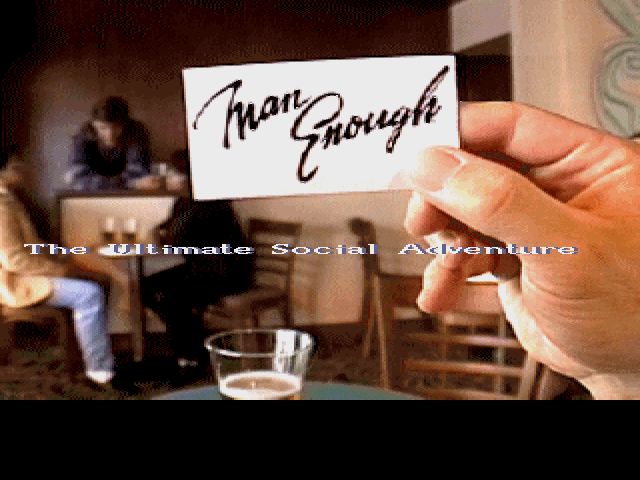
Settle in. Press Start.
A few familiar controls bring an old PC game to a new screen.
- 01 / LAUNCH
Open the player
Choose “Play original DOS edition,” then use Start to load the game and enable sound. Sound starts boosted at 2400%; adjust it from 100–4000% in the player.
- 02 / PLAY
Play, or watch AI Play
Use your mouse and keyboard, or choose AI Play and watch it handle the controls. Pause AI or take over whenever you want.
- 03 / KEEP A BACKUP
Look after your saves
Save inside the game, then use the player’s export control to keep a backup. Save and reload verification is recorded in the release notes.
The preserved edition
An original PC game.
This player runs the supplied DOS program with its original game content. Both source CDs are preserved unchanged and streamed as the game needs them.
The browser wrapper adds launch, save, optional AI Play and sound-boost controls around the game. The original audio stays unchanged; choose 100% Sound for unboosted playback. Read the development notes and preservation guide for the current checks and remaining limits.
- Edition
- English DOS CD-ROM
- Game version
- 1.10
- Source media
- Two unchanged CDs
- Controls
- Desktop mouse & keyboard
- Sound
- Adjustable browser boost
- Runtime
- DOSBox-X in the browser
Archive notebook
Bringing it back.
November 3: phone audio and performance
November 3: AI Play, pause and take over
What changed for the browser edition, how the original media is preserved, and what has been checked.